> ## Documentation Index
> Fetch the complete documentation index at: https://docs.tenderly.co/llms.txt
> Use this file to discover all available pages before exploring further.
# Organizations and Team Members
> Set up a Tenderly organization, add team members, manage their permissions, and control project access, billing, and collaboration settings.
Organizations enable you to add multiple team members and control their permissions. Members have access to every project that is open to the organization, while [restricted projects](/platform/account/projects/restricted-projects) are accessible only to their invited members. What a member can do is defined by the permissions assigned to them. See [Adding members to organizations](/platform/account/organizations/members).
Organizations are available on the paid plan and are set up for your team during onboarding. To get an organization, [contact our sales team](https://tenderly.co/contact-us).
## Manage your organization
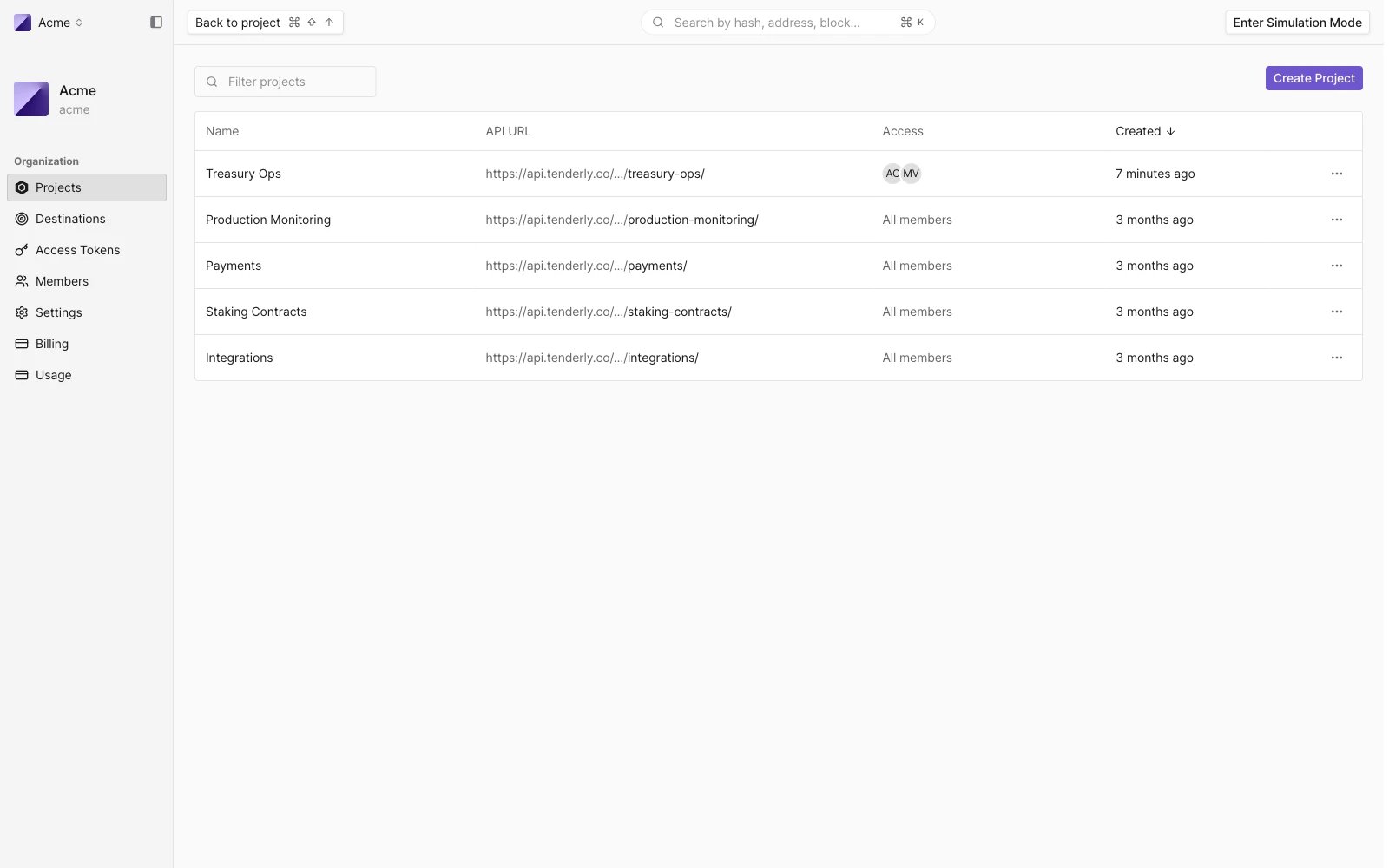
From the organization page, you can manage projects and [their access](/platform/account/projects/restricted-projects), add or remove members, manage [Alert Destinations](/monitoring/alerts/destinations/overview), generate [access tokens](/platform/account/projects/api-tokens), review the organization's [Activity Logs](/platform/account/organizations/activity-logs), and more.
 ## Manage billing options
Go to **Billing** from the organization page to see your plan and resource usage. To change plans or discuss capacity, [contact our sales team](https://tenderly.co/contact-us).
Any organization member with the "Manage billing" permission enabled can change any of the billing settings. Learn more about [member permissions](/platform/account/organizations/members).
This documentation is built and hosted on [Mintlify](https://mintlify.com), a developer documentation platform.
## Manage billing options
Go to **Billing** from the organization page to see your plan and resource usage. To change plans or discuss capacity, [contact our sales team](https://tenderly.co/contact-us).
Any organization member with the "Manage billing" permission enabled can change any of the billing settings. Learn more about [member permissions](/platform/account/organizations/members).
This documentation is built and hosted on [Mintlify](https://mintlify.com), a developer documentation platform.